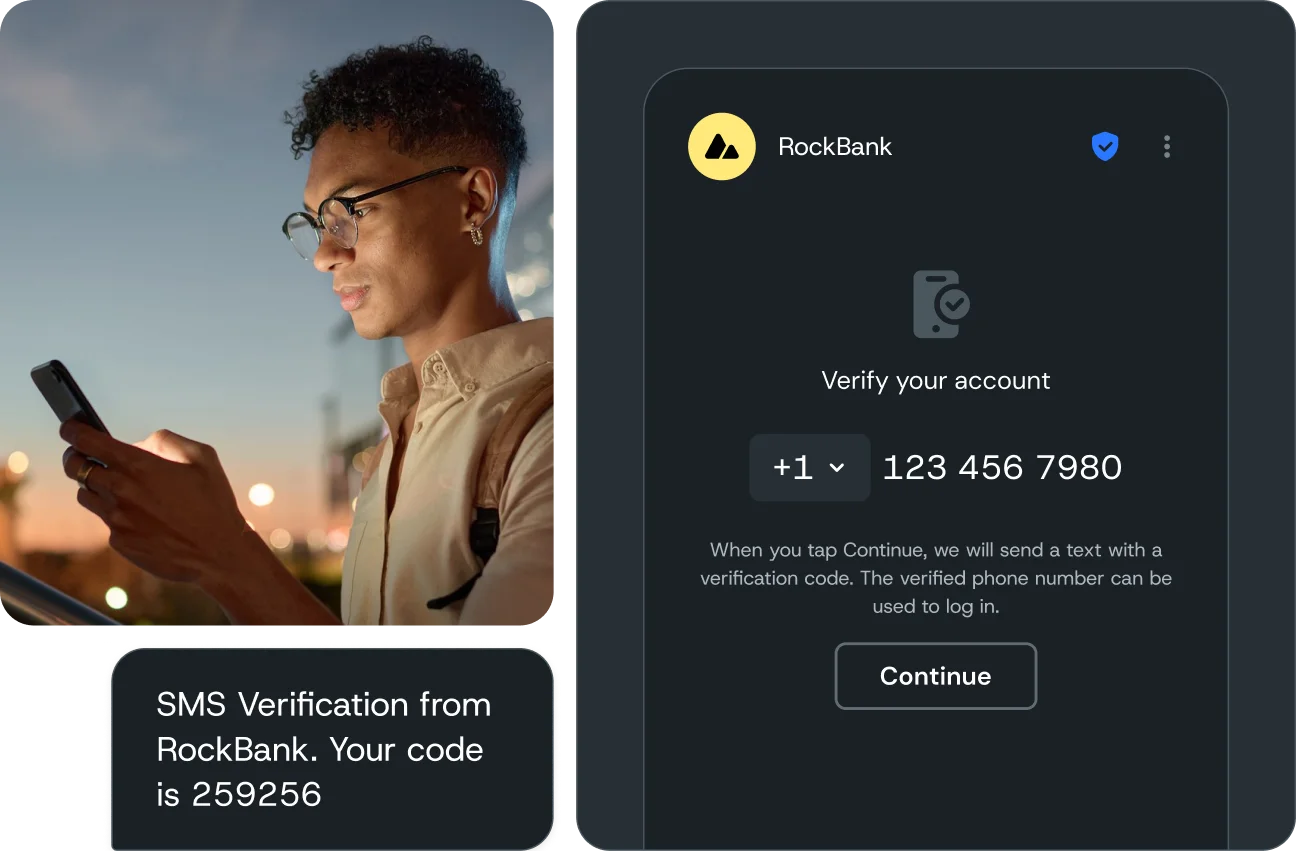

Confirm a phone number belongs to your user at signup, login, or checkout, without losing real customers to clunky codes. One API handles it, and it works alongside the identity and fraud tools you already use.
Verification api
Confirm a phone number belongs to your user at signup, login, or checkout, without losing real customers to clunky codes. One API handles it, and it works alongside the identity and fraud tools you already use.
Why Sinch
Complete verification solutions
“More than 99% of our verification calls are successful with Sinch Flash Call Verification. I would highly recommend Sinch to any company with massive telecommunication needs.“
Streamline identity and access management with seamless integrations:
Okta: Enhance security workflows with scalable, enterprise-grade solutions.
Auth0: Streamline user authentication with flexible, global capabilities
No. The Verification API only sends one-time codes and verification calls. For promotional or customer messages, use the Conversation API.
A free Sinch Build account and your application key and application secret. You'll find both in the dashboard as soon as you sign up, along with trial credit.
Sinch Build is the developer console and control plane for all Sinch APIs - Messaging, Voice, Verification, Numbers, SIP, and Fax - under one identity, one set of credentials, and one dashboard. It sits in front of every Sinch API, handling routing, compliance, and observability so you don't have to build that infrastructure yourself.
Sinch APIs work with any tool that supports MCP or SKILL.md files, including Claude Code, Cursor, Gemini CLI, GitHub Copilot, Codex, and Windsurf. Add Sinch Skills so your assistant knows how Sinch’s APIs work, and connect the Docs MCP at developers.sinch.com/mcp so it writes code from the current API reference.
Prefer a plugin? Install one from the VS Code Marketplace, JetBrains Marketplace, Open VSX Registry, or Cursor Marketplace, or use the sinch-plugins GitHub repo for Claude Code and Gemini CLI. See setup steps for each plugin.
Start by signing up for Sinch Build and grabbing your access key and credentials. You can then take those details to your AI coding tool to continue building from there.