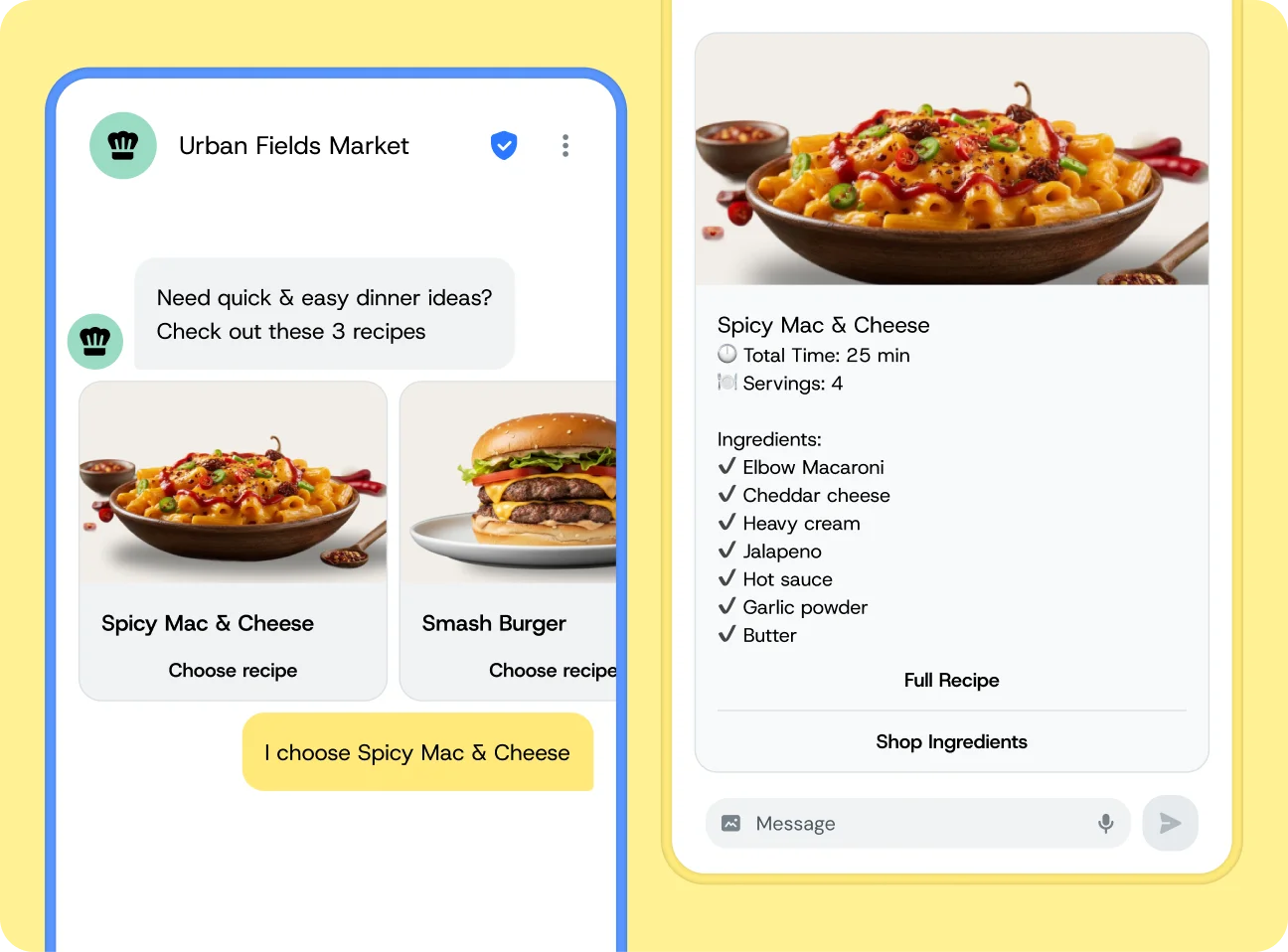
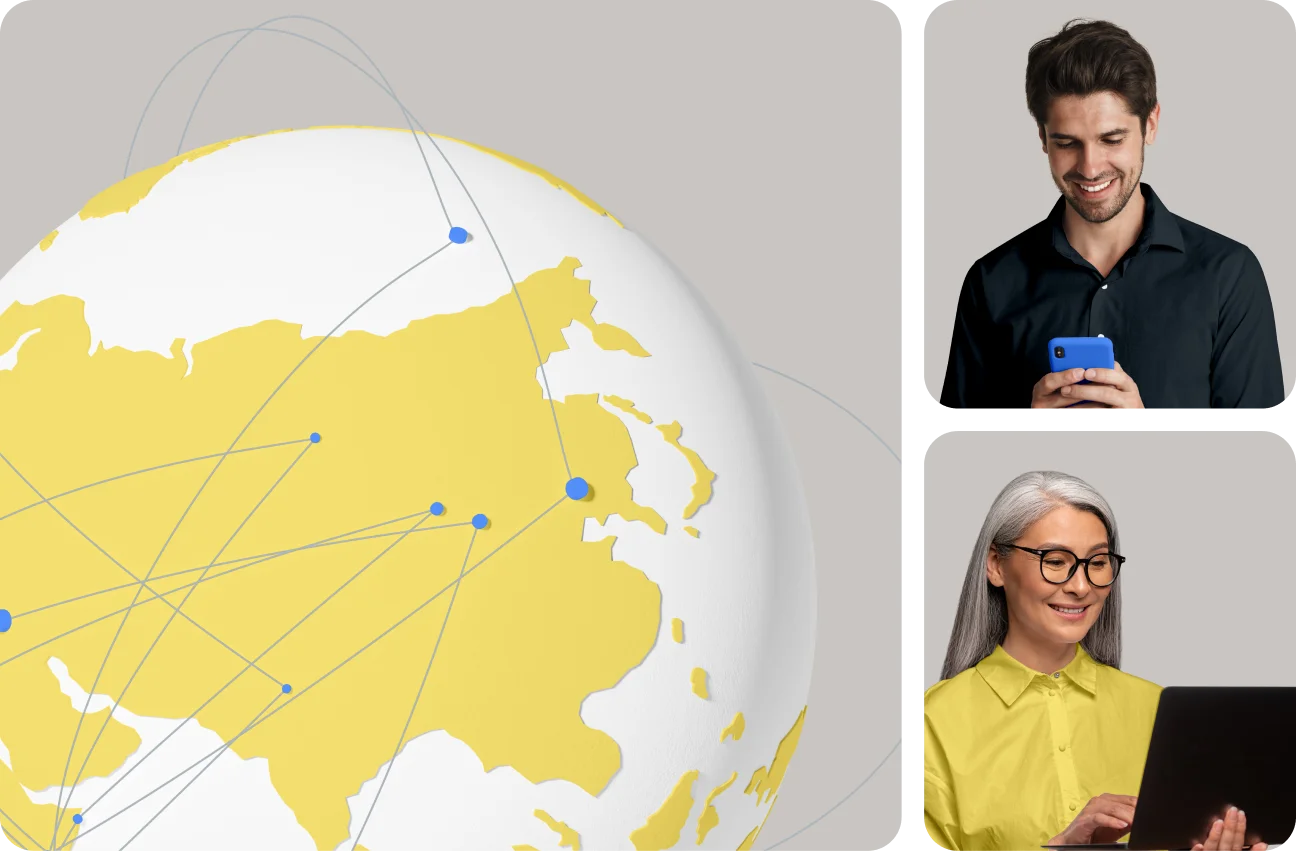
Tired of juggling vendors? Sinch’s messaging APIs let you reach customers on SMS, MMS, WhatsApp, RCS, and more – in nearly every country – with the reliability, scale, and deliverability only a global carrier network can provide (Available through the Sinch Conversation API).
UNIFIED MESSAGING
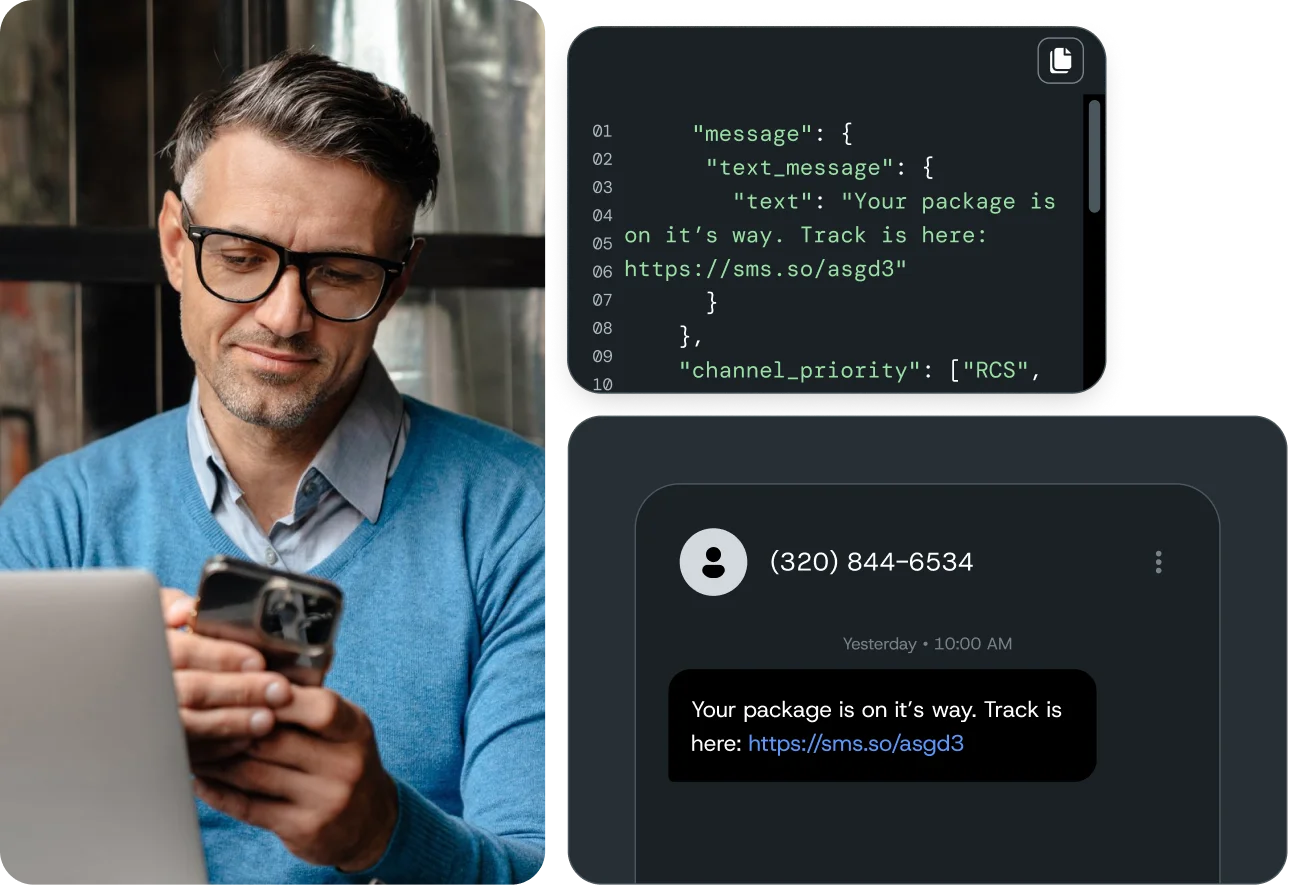
Build it once with Sinch’s reliable business messaging APIs
Join over 200,000 businesses, including 8 of the 10 largest tech companies in the world